
Send photos from your mobile phone to QOwnNotes on the desktop
There now is a simple way to insert photos from your mobile phone into the current note in QOwnNotes on your desktop via a new web application on app.qownnotes.org.
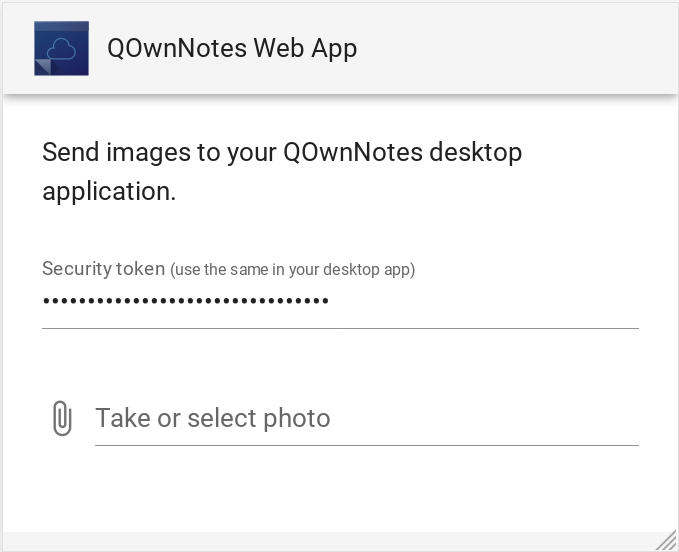
The web application on your phone communicates with your QOwnNotes desktop application over the internet. The communication between QOwnNotes and the web service is transport encrypted.
There was a new settings page Web application to add support for the web application added in QOwnNotes 21.4.2.
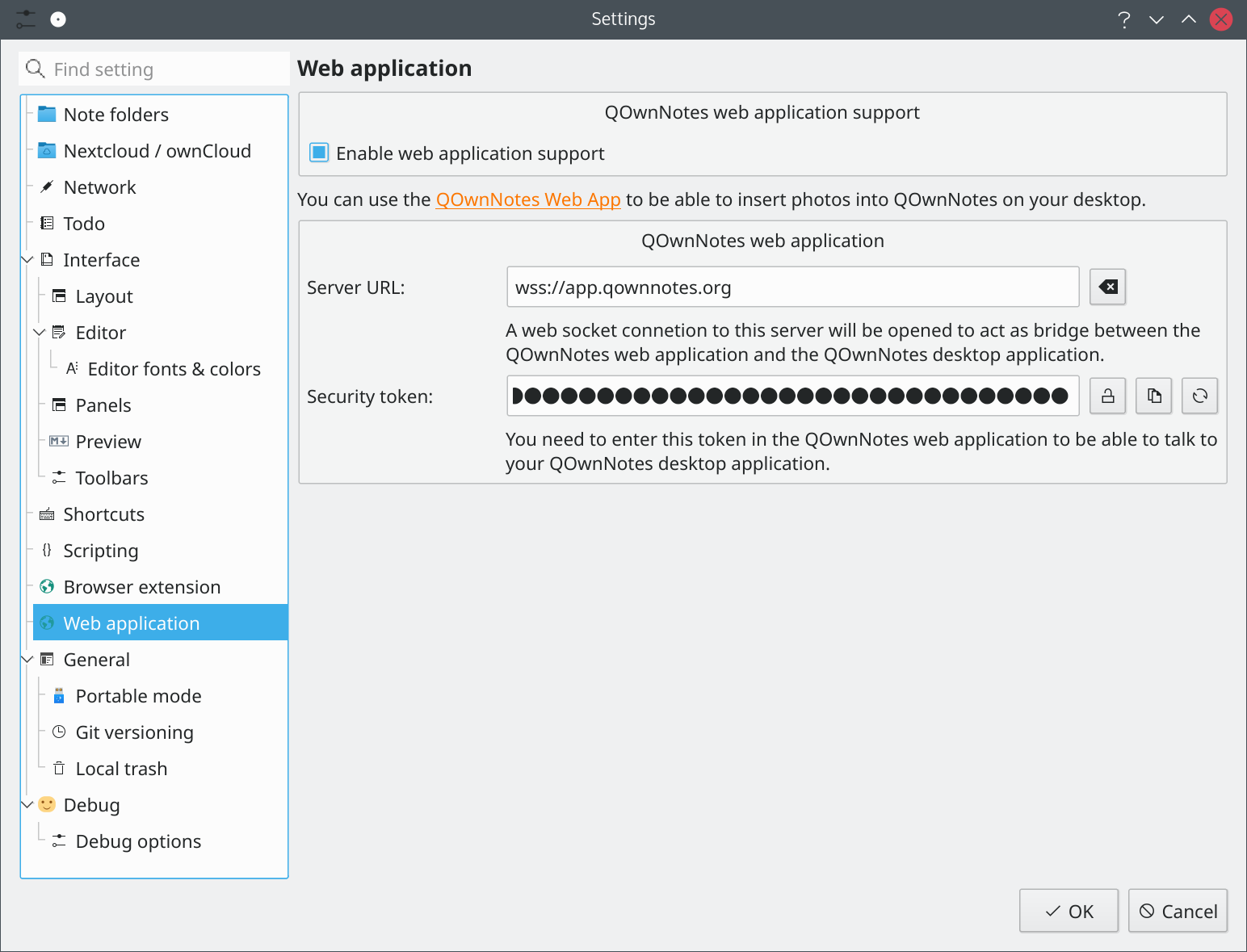
Don't forget to copy your secret token from the QOwnNotes settings page to app.qownnotes.org to be able to communicate with your local instance of QOwnNotes.
You can find the source code of the web application at web-app on GitHub.
You can also host this web service yourself, the freshly built docker images are available at qownnotes-web-app on DockerHub.
The new web application is currently in alpha state and still "work in progress", feel free to test it and report what your think on the GitHub issues page!